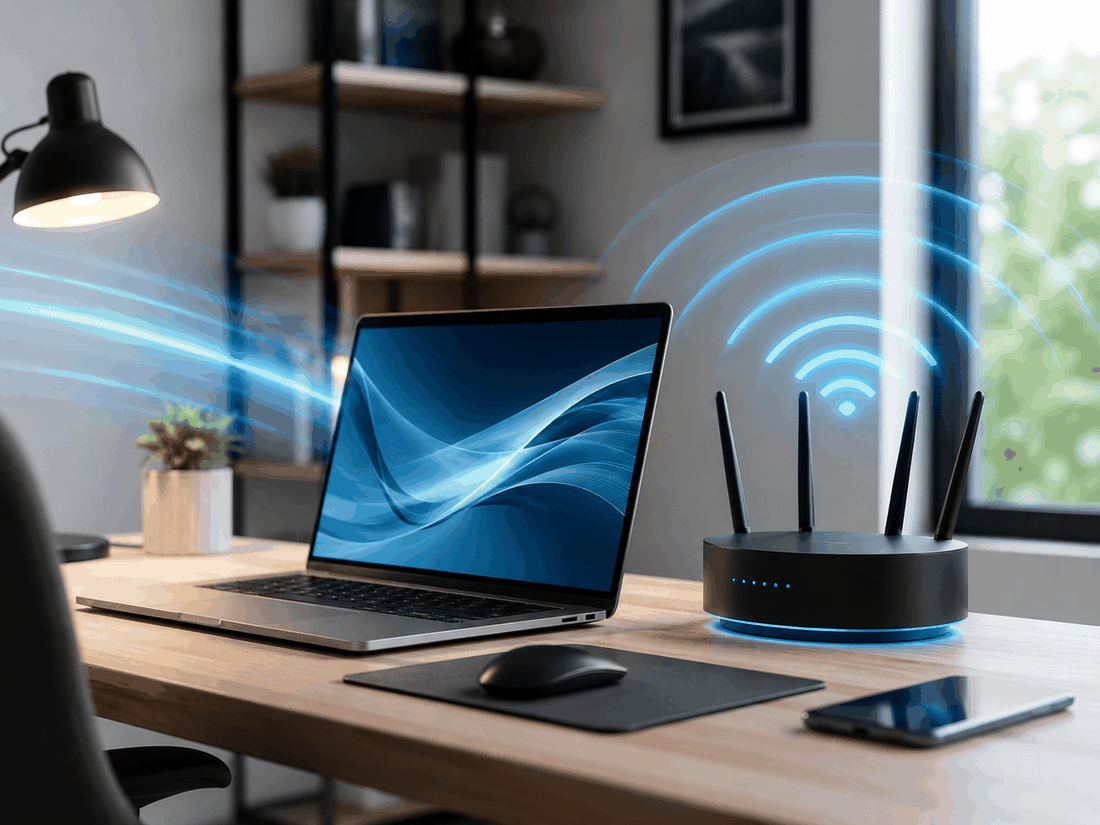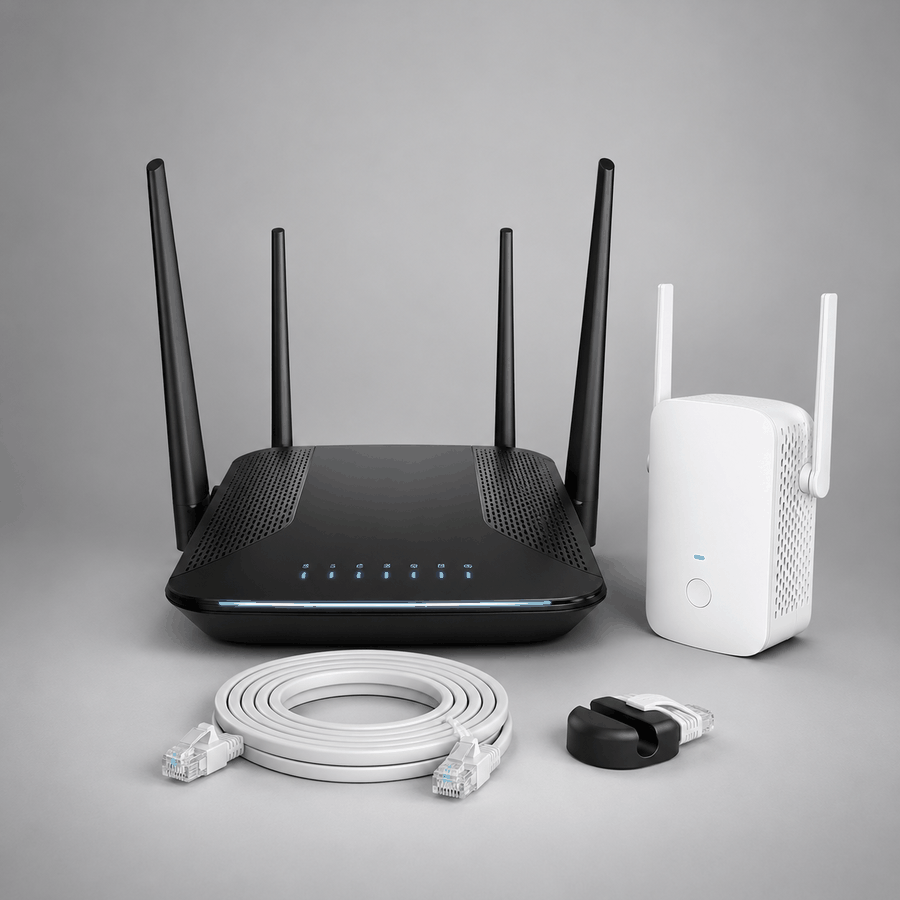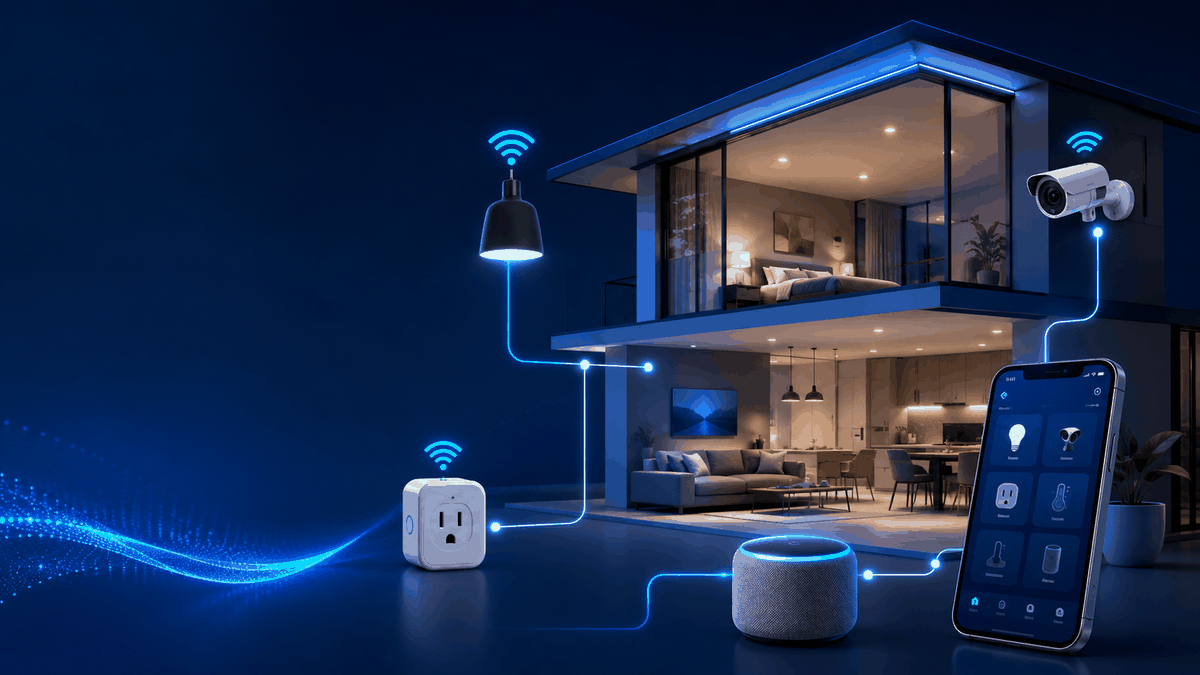

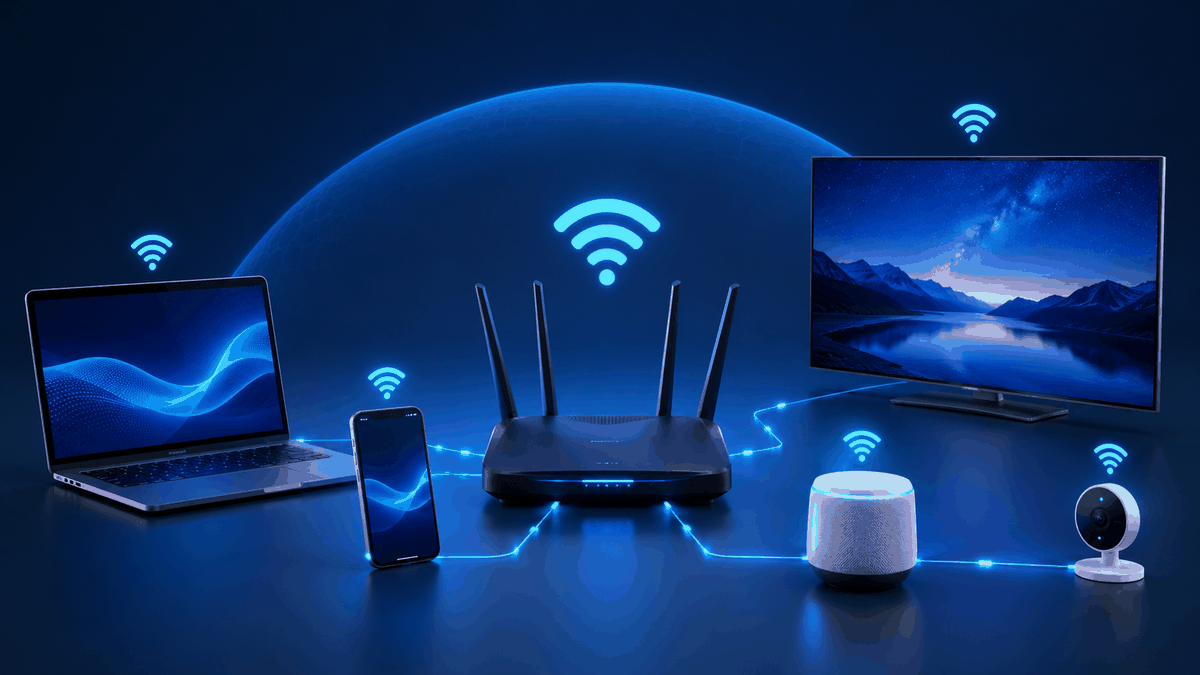
A guest network is a separate Wi-Fi network for visitors. Most routers support it, it only takes a few minutes to set up, and it adds a simple layer of protection.
Key points
- Keeps visitors off your main network.
- Protects shared devices and files.
- No need to share your main password.
- Especially useful for small businesses.
What a guest network does
Guests get internet access but are kept separate from your computers, printers, storage, and smart devices. Your main network stays private.
Why it helps at home
You can share Wi-Fi with friends, family, and visitors without handing out your main password — and without giving their devices access to everything else on your network.
Why it matters for small businesses
- Customers stay separate from office computers, printers, and payment devices.
- You can change the guest password regularly without disrupting staff.
- Many routers let you limit guest speeds or set a schedule.
Setting it up
Look for "Guest Network" in your router's app or settings page. Give it a clear name, use a strong password, and make sure any option that lets guests reach your local network is turned off.
Want guest Wi-Fi set up properly for your home or business? We can help.
Explore Networks