

Where your router sits has a big effect on how well your Wi-Fi works. Moving it just a few metres can make a noticeable difference — and it costs nothing to try.
Key points
- Central and raised is best.
- Keep it out in the open, not in a cabinet.
- Avoid thick walls, metal, and appliances.
- Test before and after moving it.
Aim for the centre of your home
Wi-Fi spreads out in all directions. A router tucked in a corner at one end of the house sends much of its signal outdoors. If you can, place it near the middle of the rooms you use most.
Get it up and out in the open
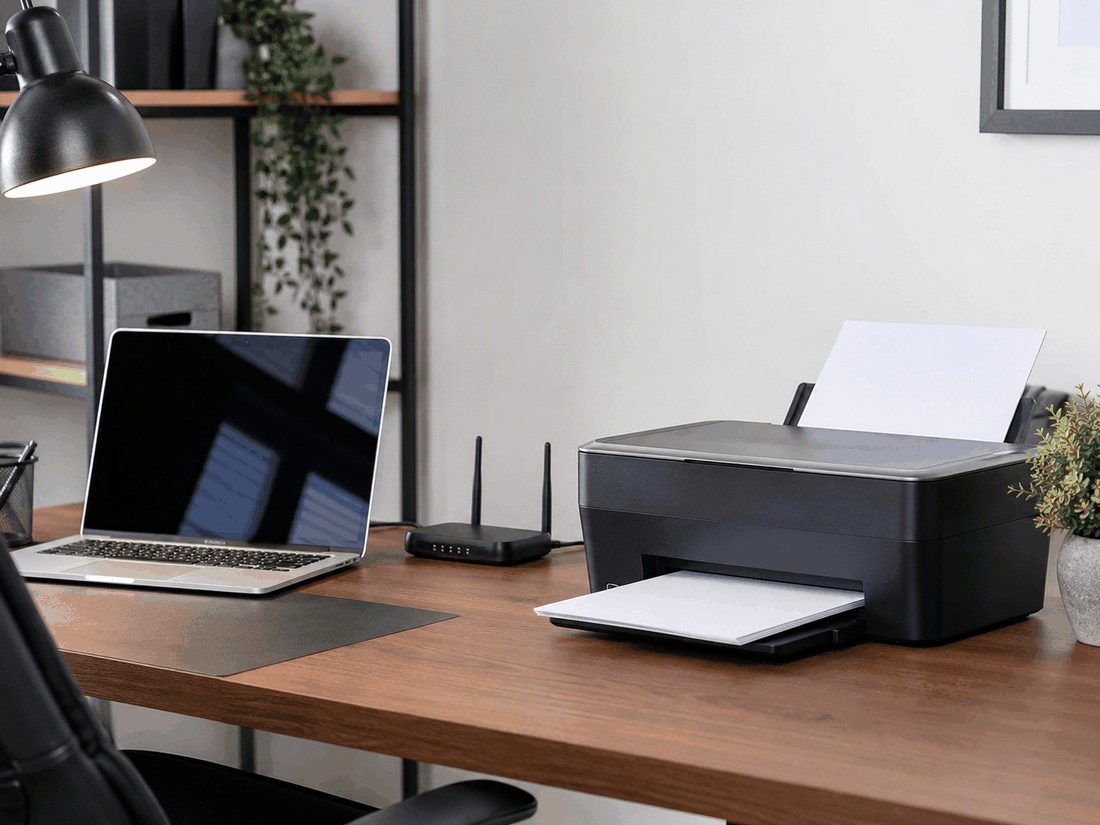
- Put it on a shelf or table rather than on the floor.
- Keep it out of cabinets, closets, and TV stands.
- Keep it away from large metal objects, mirrors, and fish tanks.
- Give it some distance from microwaves and cordless phone bases.
When moving it isn't possible
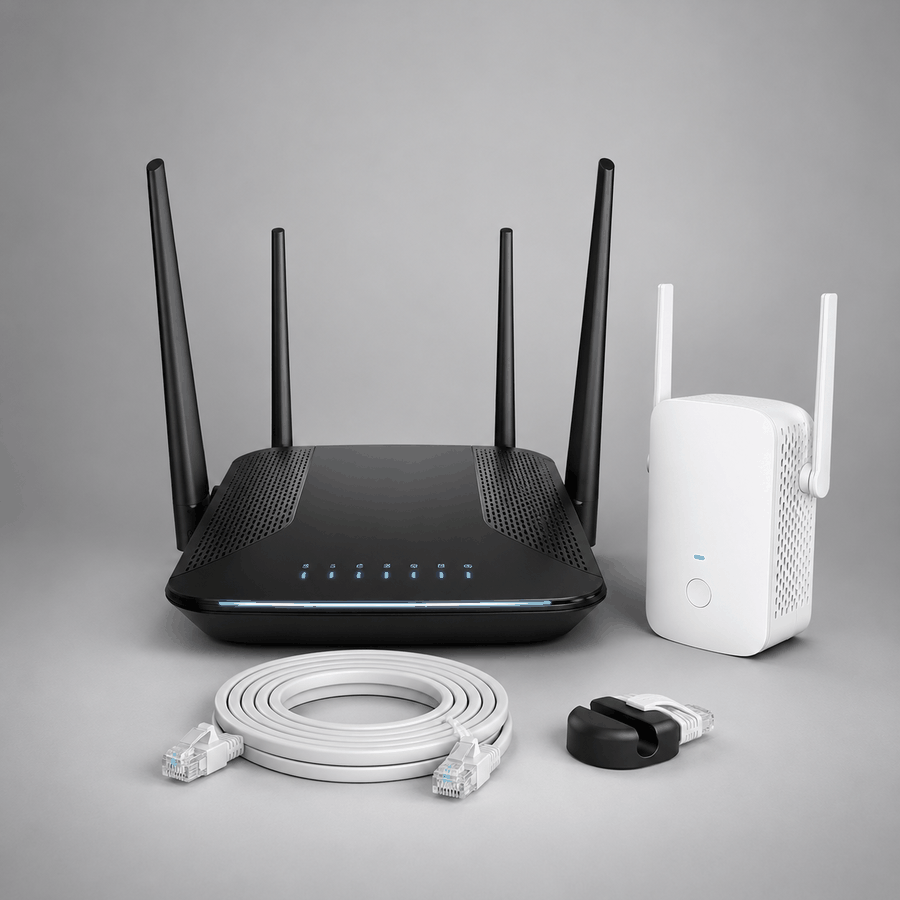
Your internet line may only come into one corner of the home. In that case, a mesh Wi-Fi system or a wired access point can spread coverage evenly, instead of relying on one router to reach everywhere.
Test the difference
Run a speed test in the rooms you use most, move the router, then test again in the same spots. It gives you a simple before-and-after comparison.
Still getting weak Wi-Fi in some rooms? We can check your coverage and recommend the right fix.
Explore Networks